
A bench of agents, not a single chat
Codex, Claude Code, OpenCode, and Antigravity share one project surface, so the work can move between building, analysis, review, and alternate approaches.
Product

A real computer for AI agents. A local-feeling control surface for you.
Sandbox turns a browser into a persistent AI workbench. Agents can inspect files, run software, browse, build, create media, call models, and keep working after you disconnect. You stay close to the work without carrying the infrastructure.
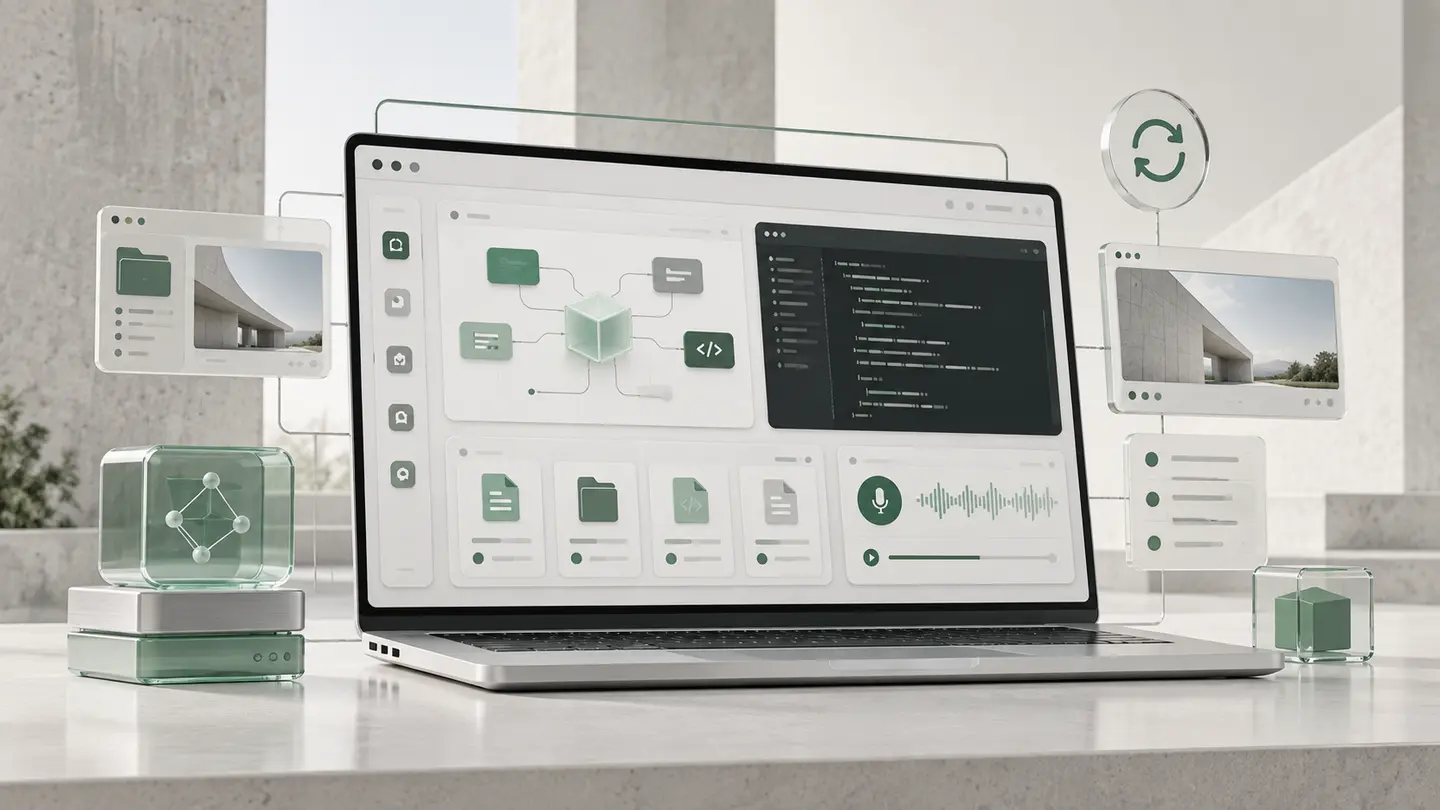
It is not another chat window. It is a prepared place where agents can use real tools, remember the work, and produce real outcomes.
Codex, Claude Code, OpenCode, and Antigravity share one project surface, so the work can move between building, analysis, review, and alternate approaches.
Reach coding, reasoning, image, video, audio, TTS, research, private, and specialist model routes without rebuilding the environment for every idea.
Files, URLs, browser automation, research, office documents, email, image, video, and voice tools share a consistent Skills layer across supported agents.
Files, clipboard, cloud drive, desktop apps, audio, microphone, uploads, downloads, and Operator controls keep the loop between you and the workspace tight.
Continuous backup and on-demand snapshots let agents attempt refactors, installs, cleanup, and broad automation without turning every mistake into a repair project.
Gateways, credentials, CLIs, dependencies, integrations, updates, and session persistence are managed as one evolving platform instead of becoming your setup burden.
Contained intelligence
AI agents can feel like genies released from a bottle: extraordinarily capable, fast, and sometimes unpredictable. Sandbox is the secure vessel around that intelligence. It gives agents the tools and connections to accomplish meaningful work while containing their environment, governing access, preserving visibility, and keeping every ambitious move recoverable.
Empower the intelligence. Connect the capability. Contain the risk.
Give agents a real computer, persistent context, and room to carry work from intention to result.
Bring models, Skills, files, software, APIs, and people into one governed working surface.
Keep execution inside an isolated, observable, recoverable environment with deliberate boundaries.
Sandbox brings intelligence, tools, memory, and managed infrastructure into one continuous place to work.
Agents
Different agent styles can lead, challenge, review, or continue the same body of work.
Workspace
A persistent computer gives agents files, terminals, browser sessions, desktop software, and project context.
Services
Unified Skills connect the workspace to research, automation, documents, communication, and multimodal creation.
Managed foundation
Model gateways, credentials, backups, snapshots, isolation, and upgrades work underneath the experience.
Sandbox is built for complete arcs of work, not isolated prompts.
Map work across teams, decide where agents own execution and where people approve, then build the internal tools and loops that make the model real.
From organization idea to operating system
Research the market, shape the experience, build the application, connect models, generate launch assets, and leave with a working prototype.
From blank folder to shareable product
Combine browser work, documents, analysis, charts, email, APIs, and human review into a repeatable operating loop.
From recurring task to supervised capacity
Move from source material to reports, presentations, images, narrated media, and organized deliverables without scattering the work across tools.
From evidence to finished story
Start on a laptop, check progress from a phone, continue on a tablet, and return to the same files, sessions, tools, and agent state.
From one device to a persistent workspace
Local feel
The computer can live elsewhere without making your hands, files, voice, or attention feel far away.
Sandbox closes the distance between a managed remote environment and the device in front of you. The Operator Bar keeps the controls that matter in reach while the session and files stay alive behind the browser.
Upload, download, browse, preview, edit, and sync through connected cloud storage.
Move prompts, commands, paths, and results between local and remote contexts.
Dictate into tools, use live voice, and bridge your microphone into remote applications.
Hear desktop applications through the speakers or headphones already in front of you.
Reconnect from desktop, laptop, tablet, or phone without rebuilding the project surface.
Persistent sessions and files remain in place while agents continue working.
Safe autonomy
Autonomy becomes useful when ambitious work is reversible.
Before a broad refactor, unfamiliar install, cleanup, or automation run, capture the current state. Let the agent work, inspect the result, then keep the progress or restore the workspace.
Sandbox does not weaken the agent. It creates the boundaries that let you trust it with more.
Take a snapshot before the risky move.
Let the agent make the larger change.
Review files, behavior, and outcomes.
Move forward or return to the known state.
Managed foundation
Sandbox keeps the machinery behind agentic work available, connected, and quietly evolving.
Model gateways, credentials, dependencies, integrations, isolation, sessions, and updates are managed as platform capabilities. You arrive with the work that matters.